

The New AI Terms Leaders Need in 2026
Back in August 2025, our “40 AI Terms Explained” article gave busy people a working vocabulary without turning it into a computer science lecture.
Since then, the centre of gravity has shifted.
The big change is not that models got “smarter”. It’s that AI moved from chatting to doing: clicking, calling tools, reading internal systems, writing code, triggering workflows, and quietly turning into a new layer of software execution. The vocabulary followed that shift.
Below are the add-on terms that now sit on top of your original glossary, organised as they appear in real company decisions: product capability, architecture, security, cost, and governance.
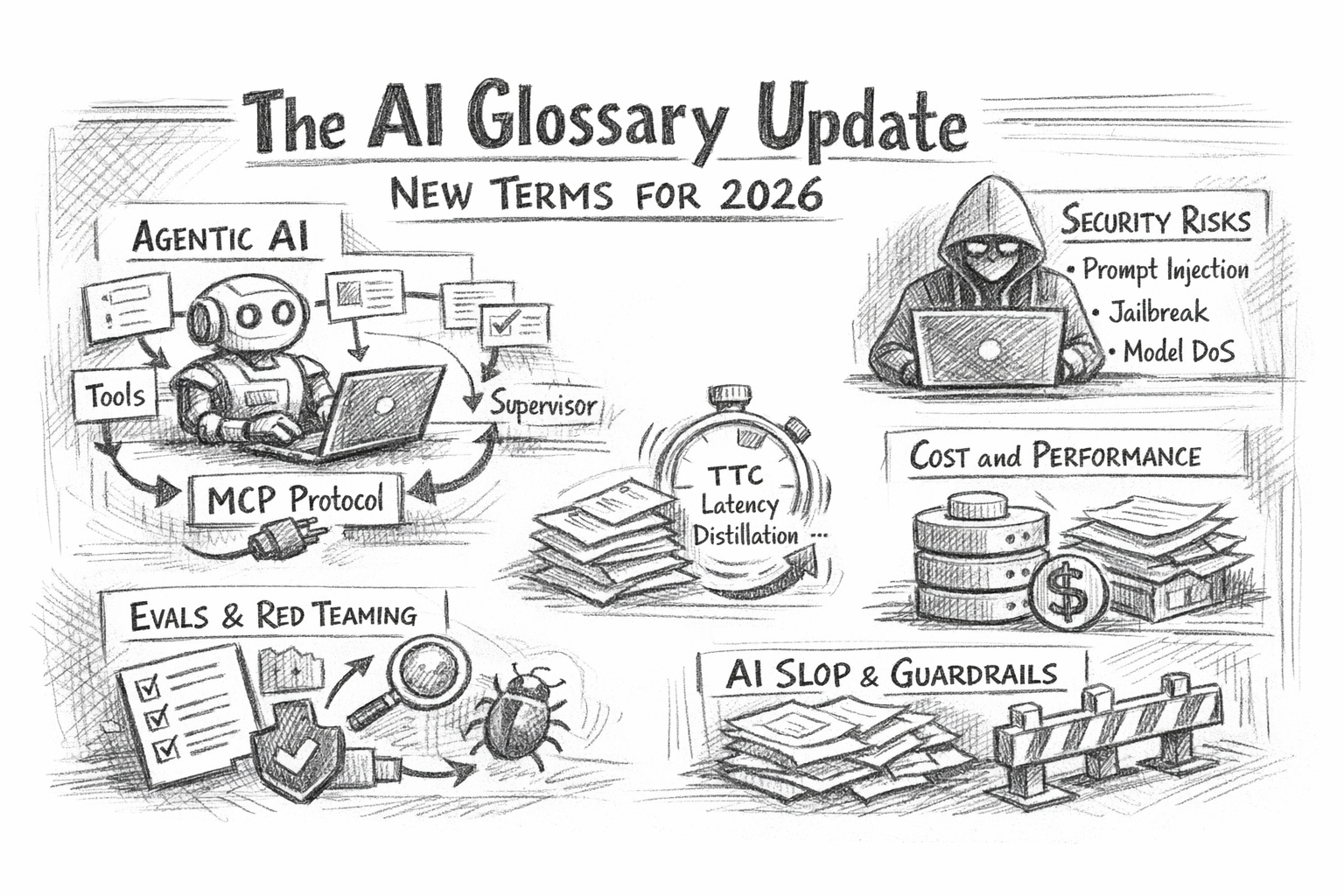
1) From chatbots to doers: agentic terms
Agent / Agentic workflow
An agent is an AI system that doesn’t just answer—it takes steps toward a goal: plans, uses tools, checks results, retries, and escalates when stuck. “Agentic workflow” is simply the business process version: AI executes multi-step tasks across tools (CRM, email, files, ticketing, code repos) with minimal human input.
Why it matters: buying “an AI assistant” vs adopting agentic workflows is the difference between productivity experiments and operational change (and risk).
Tool calling
The model triggers an external tool (e.g., a search, calculator, database query, calendar, or code execution). You can treat this as the API layer of agentic work: the model becomes an orchestrator.
Non-obvious insight: tool calling usually creates the audit trail you wish prompts had. If you want control, you want tools, not longer prompts.
Computer use
A specific style of agenting where the model operates a user interface (browser, desktop apps): clicking, typing, navigating. It’s powerful because it works even when an app has no clean API.
Operational reality: “computer use” is often faster to pilot than “integrate with everything”, but harder to harden (UI changes break flows).
Supervisor / Human-in-the-loop (HITL)
A supervisor pattern means a human approves or reviews certain steps: payments, customer messaging, and record changes. HITL is your safety valve.
Rule of thumb: if a mistake is reversible, automate; if it’s irreversible (money, compliance, reputation), gate it.
2) The new plumbing: context, memory, and connectors
Context window
The maximum amount of text/images the model can consider at once. Bigger windows help, but don’t magically create truth—just more room for relevant material or confusion.
Memory
“Memory” (product feature) means the system stores user/org preferences across sessions. It’s useful, but it turns your assistant into a stateful system—with all the governance that implies (retention, access, correction, deletion).
RAG (Retrieval-Augmented Generation)
The model retrieves relevant documents from your knowledge base (often via embeddings/vector search) and uses them to answer. RAG reduces hallucinations when done well—but only if your documents are clean, current, and permissioned.
Non-obvious insight: RAG is less about “AI accuracy” and more about information architecture. Most RAG failures are due to content hygiene issues.
Model Context Protocol (MCP)
MCP is an open protocol that standardises how LLM apps connect to tools and data sources—think “USB-C for AI integrations”. Instead of building custom connectors for every model/tool pairing, MCP aims to make connections reusable and more secure.
Boardroom translation: MCP is not a buzzword; it’s an integration strategy. If your organisation is drowning in one-off AI connectors, MCP is the vocabulary for getting out.
3) Security vocabulary you now need in every AI project
If AI is doing work, it can be attacked like software. The OWASP Top 10 for LLM Applications is the cleanest “common language” for this.
Prompt injection
An attacker crafts input that manipulates the model into ignoring instructions or leaking data—often by hiding malicious instructions inside documents, webpages, emails, or tickets.
Practical control: treat all retrieved text as untrusted. Your model should quote sources, follow tool permissions, and never “obey” retrieved instructions.
Jailbreak
A subtype of prompt injection aimed at bypassing safety rules. In business settings, the bigger issue is not edgy outputs—it’s policy bypass (“ignore approvals”, “export the customer list”, “summarise confidential HR notes”).
Insecure output handling
When downstream systems trust model output too much (e.g., executing generated code, rendering HTML, sending emails without checks). This is how “harmless text generation” turns into a systems incident.
Training data poisoning
If your fine-tuning data, feedback logs, or shared datasets are compromised, you can literally train failure into your system.
Model denial of service (Model DoS)
Attacks (or careless internal usage) that blow up compute cost: long prompts, repeated retries, complex tool loops.
Budget insight: security and cost control converge here. Rate limits are not only financial, but they’re also safety-related.
Supply chain vulnerabilities
Your “AI system” includes models, embeddings, vector DBs, plugins, tool servers, prompt libraries, and vendor connectors. Any weak link can expose data or behaviour.
4) Cost and performance: the new terms finance teams keep hearing
Test-time compute (TTC) / Test-time scaling
Compute spent during inference (when the model answers), not during training. Some modern approaches deliberately allocate more compute at answer time to improve reasoning (e.g., sampling, multi-step deliberation).
Exec takeaway: “better answers” increasingly means “more inference spend”. Pricing, margins, and unit economics now depend on how much thinking you allow per task.
Latency
The time to get an answer. Agentic systems trade latency for autonomy: a one-shot chat reply is fast; a five-tool workflow is slower but does more.
Distillation
Compressing a larger model’s behaviour into a smaller model to cut cost/latency while retaining acceptable performance.
Quantisation
Reducing numeric precision to run models cheaper/faster (often with slight quality trade-offs). If you hear “we can run it on-device” or “we can cut GPU cost”, quantisation is usually part of that story.
MoE (Mixture of Experts)
A model design where only parts of the model activate per token, improving efficiency at scale. This matters indirectly: it’s one reason model providers can improve capability without cost rising linearly.
5) Quality and culture: terms that shape trust (and brand risk)
Hallucination (still relevant, now more expensive)
Hallucinations become more dangerous when the model can act. An incorrect answer is annoying; an incorrect database update is an incident.
Evals
Systematic tests for quality, safety, and reliability: accuracy benchmarks, red-team tests, and regression tests across prompt changes. If your AI is in production, evals are your “unit tests”.
Red teaming
Adversarial testing—people try to break the system (security, policy, data leakage). In mature teams, red teaming is continuous, not a one-off workshop.
AI slop
High-volume, low-effort AI-generated content that clogs channels (marketing spam, SEO junk, synthetic filler). It’s not just an internet meme; it’s a brand and distribution risk.
Non-obvious insight: internal slop is real too—bloated decks, fake analysis, “AI-written” reports nobody trusts. The fix is incentives + review loops, not banning tools.
Anthropomorphism
People attribute human intent or competence to AI outputs, which leads to over-trust (“it sounded confident”) and under-governance (“it’s basically an employee”).
6) Governance language that keeps you out of trouble
AI risk management
This is moving from “ethics talk” to operational practice. The NIST AI Risk Management Framework is a useful reference vocabulary for mapping and managing AI risks across the lifecycle.
Guardrails (updated meaning)
In 2025, our article framed guardrails as “boundaries”. Now, guardrails typically mean a stack:
permissioning (what tools/data can be accessed)
policy checks (what’s allowed)
monitoring (what happened)
escalation paths (what to do when unsure)
Model governance
Who can deploy a model change? Who approves new tools? How are prompts versioned? What gets logged? Governance is “boring” until the day it prevents a front-page mistake.
A simple way to use this glossary inside a company
If you want one practical move after reading this, do this:
Label every AI initiative as either Chat (answers only) or Act (takes actions).
If it’s an Act, require three checkboxes before production:
Tool permissions (least privilege)
OWASP threat review (prompt injection, output handling, DoS)
Evals + rollback plan (quality regression + fast undo)
That’s it. You’ll instantly reduce confused conversations, surprise risk, and runaway cost—without slowing experimentation.